Harmonist
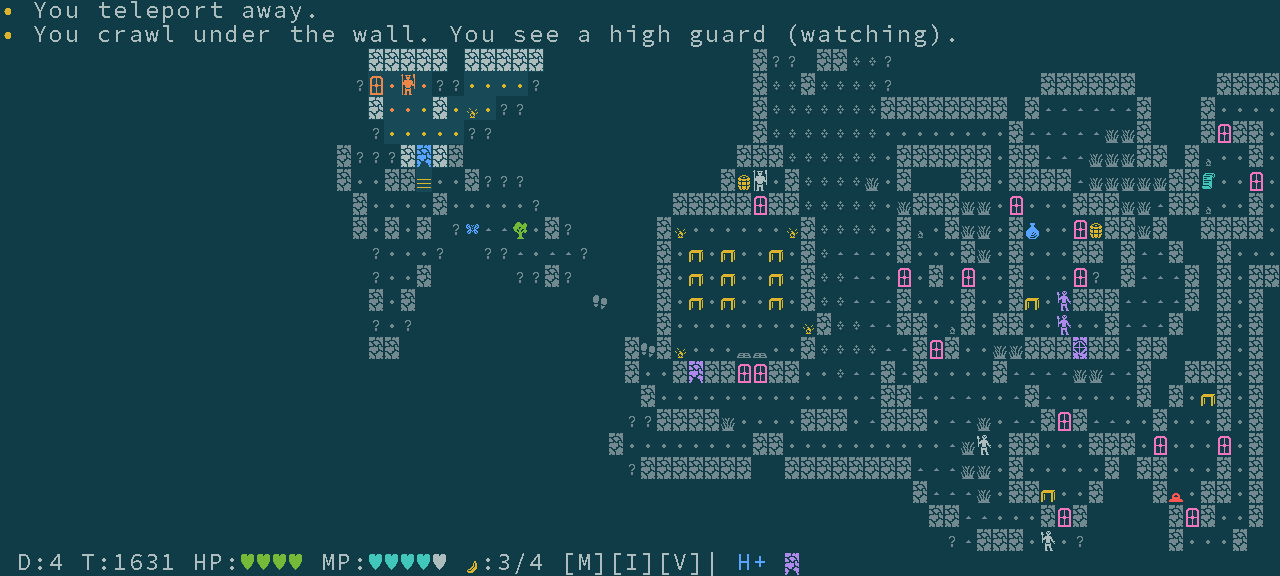
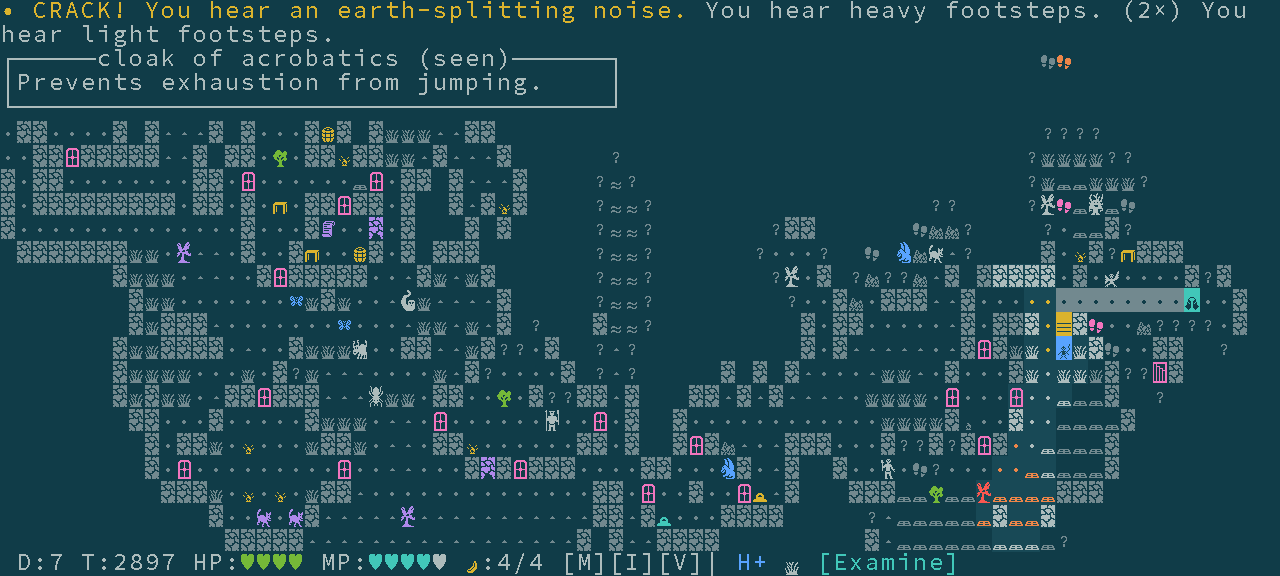
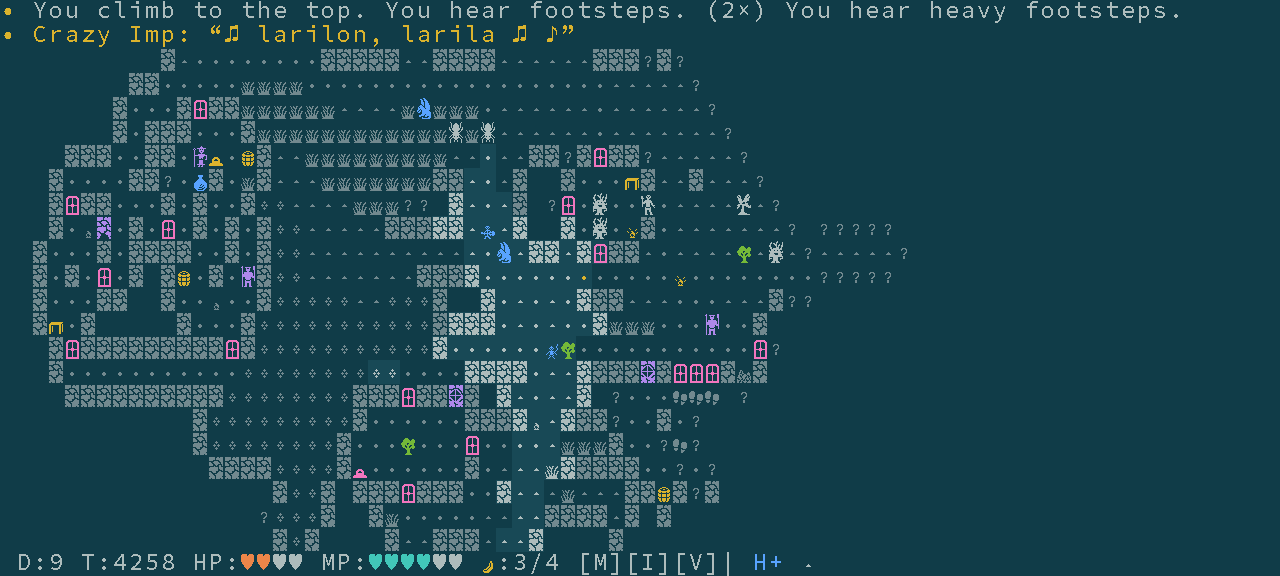
Harmonist: Dayoriah Clan Infiltration is a light-hearted stealth coffee-break roguelike game with light and noise mechanisms, making use of various terrain types and cones of view for monsters.
Your friend Shaedra got captured by nasty people from the Dayoriah Clan while she was trying to retrieve a powerful magara artifact that was stolen from the great magara-specialist Marevor Helith.
As a gawalt monkey, you don't understand much why people complicate so much their lives caring about artifacts and the like, but one thing is clear: you have to rescue your friend, somewhere to be found in this Underground area controlled by the Dayoriah Clan. If what you heard the guards say is true, Shaedra's imprisoned on the eighth floor.
You are small and have good night vision, so you hope the infiltration will go smoothly..
Features (v1.0.3):
- Short coffee-break runs (around half an hour).
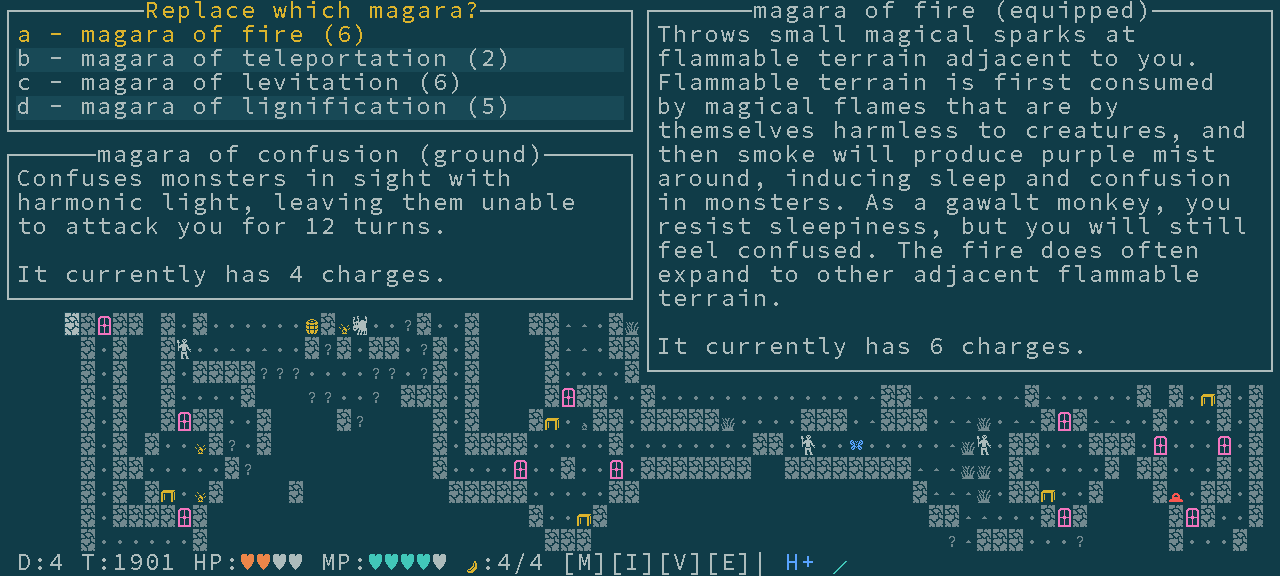
- 8 levels deep dungeon (+ 3 optional levels), 3 distinct map generators, 23 monsters, 5 magical cloaks, 4 magical amulets, 7 magical stones, and 22 magaras (evokable magical rods).
- Both graphical tiles (web or SDL) and terminal ASCII versions. Animations. Simple controls. Mouse-friendly compact 80x24 layout. Automatic recording for later replay.
- Light and noise stealth mechanics. Monster footsteps can be heard.
- A main story narrative, and many short flavorful lore texts.
- Jump by propulsing against a wall!
- Small inventory (a few magara slots, a cloak and an amulet).
- Heal by eating bananas while resting hidden inside a barrel!
- Many terrain features: flammable dense foliage, doors, tables, barrels, windows, holes in the walls, banana trees, water, chasm, queenrock.
- Activable magical stones with both tactical and partially map-revealing strategic effects.
Harmonist is free open-source software: see also the development website and source-code repository for information on how to build yourself the native versions for the terminal or with SDL2 and graphical tiles. Be sure to also check out my newer roguelike Shamogu if you want a less pacifist game featuring both combat and stealth with a similar kind of UI!
Development log
- Harmonist v1.0.359 days ago
- v1.0.1 and v1.0.2Feb 10, 2026
Comments
Log in with itch.io to leave a comment.
Game only works in firefox if you go to the developer's website, but the game itself is pretty good
That’s surprising, because I use firefox, and it works for me here, too. The only difference is that on itch.io the game is embedded on a frame, so one needs to click on the frame (but outside the canvas, so on the light background) to focus it. At least, that’s how it works on firefox for me, but maybe not on all versions/configurations? Maybe try shift+click there or something, to ensure the click is not intercepted by anything?
Works with firefox on my friend's computer too. Not sure what's wrong with mine. Couldn't get it to work but it works fine on the other site so it's not too big a problem. Game loads but doesn't repond to mouse or keyboard, including with shift click. Right clicking lets me open up a picture of the title screen as an image.
selecting 'show only this frame' does fix it, so probably it's my ad blocker or something
Could be something related to ad blocking and frames, yeah. Glad that you could solve it by selecting “show only this frame”: sounds indeed like a good trick to make it appear and work the same as in the project’s website.
Looks very cool. Played for 1-2 minutes and enjoyed it. However, the keyboard commands (space, ?, M, V, E, etc.) don't seem to work with Chrome. I had to use mouse to trigger commands, but then it asked me to enter ESC/SPACE to continue but these keypresses do nothing.
I suspect it's that the game window is never given the focus, even if you click on the frame.
Due to how the canvas captures the mouse for other purposes, one needs to click on the light background, not on the canvas directly, to give focus to the frame, so that’s why I put those instructions. I normally use firefox, and that works without issues there. If I understand, those instructions didn’t work in chrome?
I’d suggest trying shift+click to focus the frame, as that probably works even if you click on the canvas.